

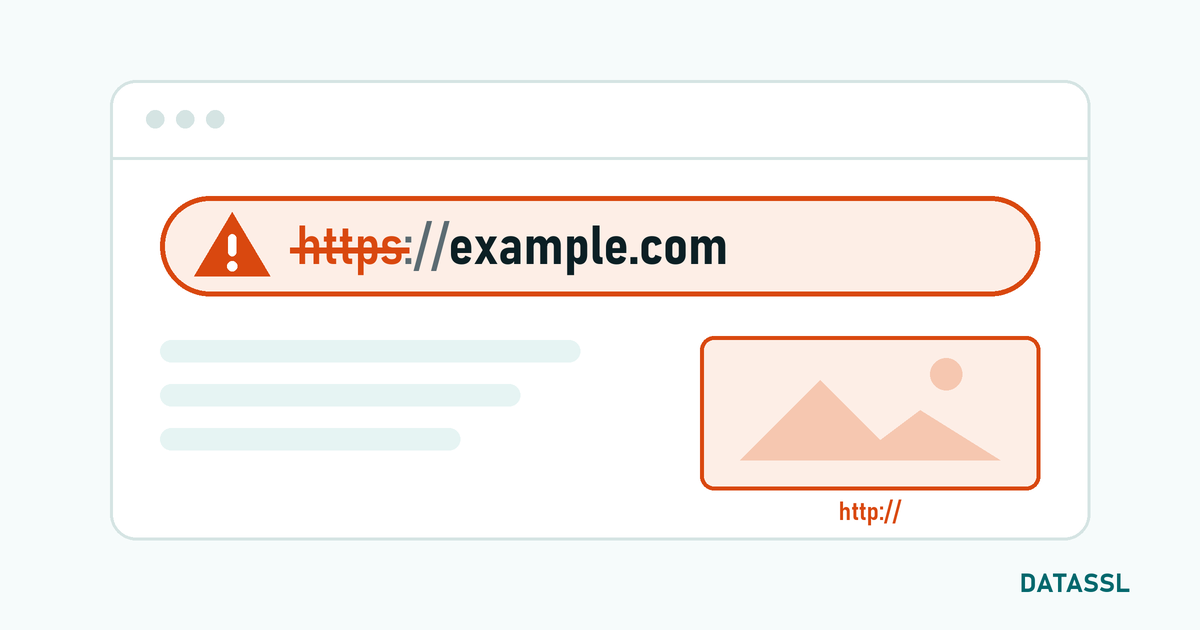
SSL error is the error message that occurs when your browser cannot establish a secure connection to a website. These errors affect both users and site owners. Knowing the causes and solutions of SSL errors allows you to troubleshoot problems quickly.
Why Does SSL Error Occur?
SSL errors can occur for many different reasons:
- Expired certificate: The SSL certificate has expired
- Wrong domain: The certificate was issued for a different domain
- Missing intermediate certificate: Certificate chain not complete
- Protocol incompatibility: Server is using outdated or unsupported TLS version
- Incorrect server configuration: SSL settings are incorrectly configured
- Date/time is incorrect:Your computer's clock is set incorrectly
- Self-signed certificate: A certificate that is not signed by a trusted CA is being used
Most Common SSL Error Codes and Solutions
ERR_SSL_PROTOCOL_ERROR
Cause: The browser cannot negotiate the SSL/TLS protocol with the server.
Solution:
- Update your browser
- Clear browser cache and cookies
- Check your computer's date and time
- Temporarily disable antivirus/firewall SSL scanning
- Make sure TLS 1.2 or 1.3 support is active on the server side
NET::ERR_CERT_DATE_INVALID
Cause: The SSL certificate has expired or is not yet valid.
Solution:
- Site owner: Renew the certificate. You can get a new certificate from DataSSL
- Visitor: Check your computer's date and time. Wrong time can cause this error
NET::ERR_CERT_COMMON_NAME_INVALID
Cause: The domain name in the certificate does not match the visited site.
Solution:
- Make sure the certificate is issued for the correct domain
- Check that www and non-www versions are defined in the certificate
- If you are using a Wildcard certificate, verify the subdomain structure
NET::ERR_CERT_AUTHORITY_INVALID
Cause: The certificate is not signed by a trusted certificate authority (CA).
Solution:
- Use a certificate from a trusted CA
- Make sure intermediate certificates (CA Bundle) are installed correctly
- Avoid using self-signed certificate
ERR_SSL_VERSION_OR_CIPHER_MISMATCH
Cause: The browser and server cannot agree on a common encryption standard.
Solution:
- Enable TLS 1.2 and TLS 1.3 support on the server
- Disable outdated and insecure protocols (SSL 3.0, TLS 1.0, TLS 1.1)
- Configure strong encryption algorithms (cipher suite)
SSL_ERROR_HANDSHAKE_FAILURE_ALERT
Cause: The SSL handshake process failed.
Solution:
- Make sure the certificate and private key match
- Check that the certificate chain is complete
- Review server SSL configuration
General Solution Steps for SSL Errors
What you can do as a visitor:
- Refresh the page (Ctrl+F5)
- Try a different browser
- Clear browser cache and cookies
- Check computer date/time
- Disable Antivirus SSL filtering
- If you are using a VPN or proxy, try turning it off
What you can do as a site owner:
- Check the duration of your SSL certificate
- Verify that the certificate chain is complete
- Update TLS protocol settings
- Fix mixed content issues
- Check certificate and private key matching
Conclusion
SSL errors can be frustrating, but most can be resolved with simple steps. Identifying the error code correctly is the fastest way to find a solution. If you need to renew or change your certificate, you can take a look at our DataSSL products.



Yorumlar
No comments yet. Be the first to comment!
Yorum Yaz