
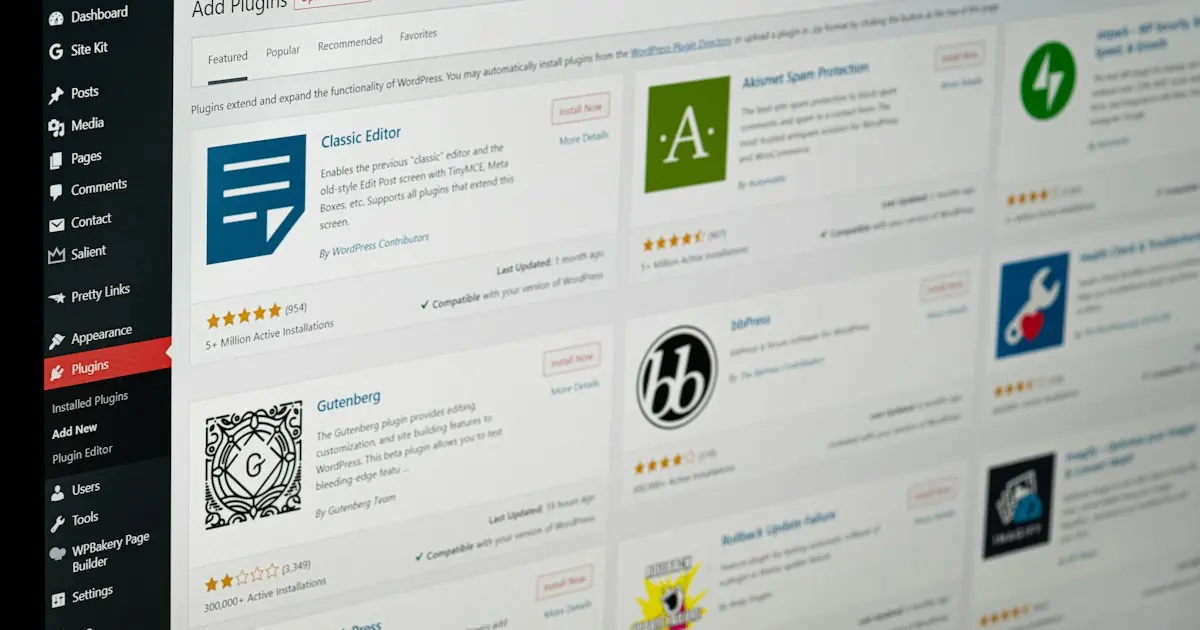
Secure your WordPress site with SSL: Really Simple SSL, Wordfence and security configuration guide.
📋 Contents
Threat Structure and Current Risks
Web security is an ever-evolving field. While new threats emerge every day, security measures need to be strengthened accordingly.
WordPress Site Security: SSL and Plugin Guide is one of the most critical components of modern web security. Cyber attackers target websites and users using increasingly sophisticated methods.
Cyber attacks target not only large organisations but also small and medium-sized businesses. Some of these businesses do not even implement basic SSL/TLS security measures.
Protection Mechanisms and Application
Effective web security requires a layered approach. SSL/TLS certificate is the most basic of these layers.
Encryption Layer: SSL/TLS certificate makes man-in-the-middle (MITM) attacks harder by encrypting the data traffic between the browser and the server and authenticating the server. Authentication: OV and EV SSL certificates verify that the website truly belongs to the claimed organization. The organization name can be seen in the certificate details; this helps visitors who want to check who the site belongs to. Data Integrity: SSL/TLS makes sure that any alteration of transmitted data en route is detected. The integrity of the data is protected by using hash functions. Security Headers: HTTP security headers such as HSTS, CSP, X-Frame-Options create additional layers of protection when used with SSL.Configuration and Hardening
Installing an SSL certificate is the first step, but full security cannot be ensured without proper configuration and hardening.
Follow these steps for security hardening:
- Disable all protocols except TLS 1.2 and 1.3
- Remove weak cipher suites (RC4, 3DES, NULL)
- Prioritize ECDHE key exchange (Forward Secrecy)
- Configure HSTS header for a minimum of 1 year
- Reduce the impact of XSS attacks with Content Security Policy
- Certificate Consider Pinning (especially in mobile apps)
These configurations help you get an A+ grade in the Qualys SSL Labs test.
Monitoring and Continuous Improvement
Security is not a one-time process, but a continuous process. It is imperative to monitor and update your SSL configuration regularly.
Certificate Monitoring: Use tools that monitor the validity of your SSL certificates. Expired certificates result in security alerts and traffic loss. Security Scan: Perform security scans regularly with tools like SSL Labs, SecurityHeaders.com, and similar tools. Log Analysis: Detect abnormal connection attempts by analyzing SSL/TLS connection logs. Updates: Keep your OpenSSL and server software up to date. Quickly apply patches for known vulnerabilities.Future Trends and Preparation
There are constant innovations in the field of web security. Being prepared for these trends provides a competitive advantage.
Post-Quantum Cryptography: The potential of quantum computers to break existing encryption algorithms necessitates the development of new cryptographic standards. NIST has finalized post-quantum standards. Shorter Certificate Lifetimes: By decision of the CA/Browser Forum, the maximum SSL certificate lifetime has been 200 days since 15 March 2026; it will drop to 100 days on 15 March 2027 and to 47 days on 15 March 2029. This requires strengthening the automation infrastructure. Zero Trust Architecture: The "zero trust" approach in network security is rapidly being adopted. mTLS (mutual TLS) is one of the key components of this architecture.As DataSSL, we follow these developments closely and try to keep our customers informed about new requirements.
Conclusion
In this article, we have comprehensively discussed WordPress Site Security: SSL and Plugin Guide. SSL/TLS security is one of the cornerstones of modern web infrastructure and every website owner should give due importance to this issue.
As DataSSL, we continue to offer SSL certificates from different brands for a secure internet experience. For your questions, you can reach our support team by phone, email or support ticket.
🔒 Secure Your Website Now
Buy your SSL certificate from DataSSL. Installation guides, support by phone, email and ticket; refund if cancelled within 30 days.
Review SSL Certificates →



Yorumlar
No comments yet. Be the first to comment!
Yorum Yaz