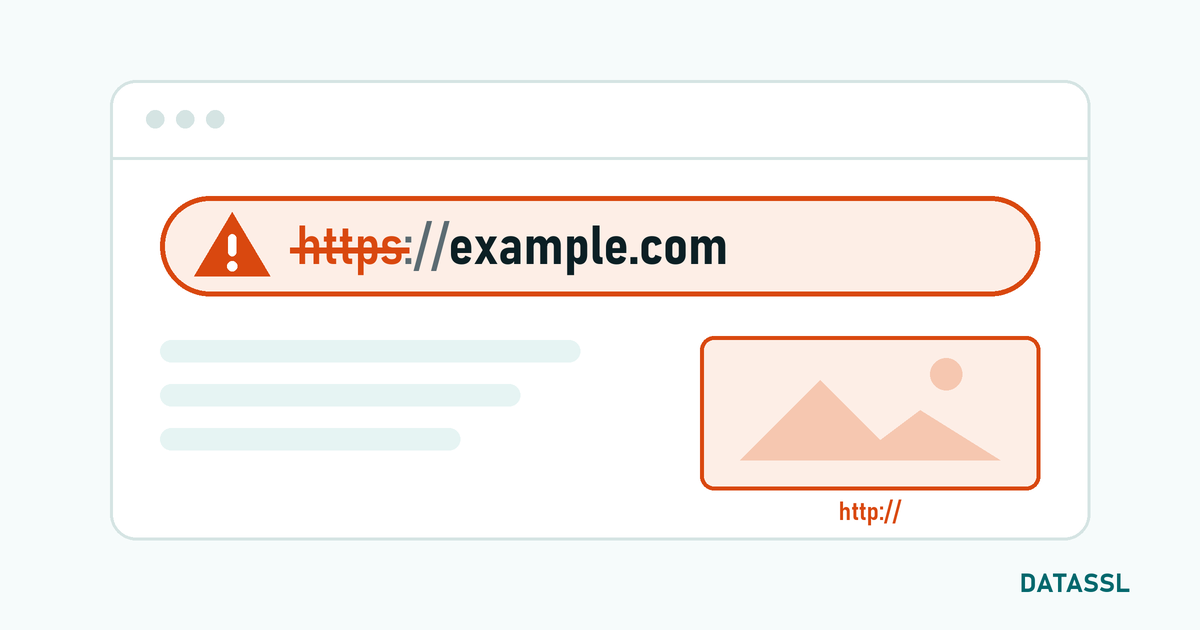
What is ERR_SSL_VERSION_OR_CIPHER_MISMATCH?
TheERR_SSL_VERSION_OR_CIPHER_MISMATCH error occurs when a common TLS protocol version or encryption algorithm (cipher suite) cannot be found between the browser and the web server. In this case, a secure connection cannot be established and the page will not load.
In 2026, this error is seen frequently, especially due to old server configurations, outdated TLS versions and weak cipher suites. Modern browsers now only support TLS 1.2 and TLS 1.3.
TLS Version History and Support Status
| Protocol | Year | Status (2026) | Browser Support |
|---|---|---|---|
| SSL 2.0 | 1995 | ❌ Should not be used | None |
| SSL 3.0 | 1996 | ❌ Should not be used | None |
| TLS 1.0 | 1999 | ❌ Disabled | None (Removed in 2020) |
| TLS 1.1 | 2006 | ❌ Disabled | None (Removed in 2020) |
| TLS 1.2 | 2008 | ✅ Supported | All modern browsers |
| TLS 1.3 | 2018 | ✅ Recommended | All modern browsers |
Cause 1: Old TLS Version (TLS 1.0 / 1.1)
Chrome 84+, Firefox 78+, Edge 84+ and Safari 14+ browsers have completely removed support for TLS 1.0 and 1.1. If your server only supports these older versions, connections to modern browsers will not be possible.
Solution: Activating TLS 1.2 and 1.3
# Nginx configuration
ssl_protocols TLSv1.2 TLSv1.3;

# Apache configuration
SSLProtocol all -SSLv2 -SSLv3 -TLSv1 -TLSv1.1
Cause 2: Poor Cipher Suite Usage
Weak encryption algorithms such as RC4, 3DES, DES are blocked by modern browsers. NULL cipher suites do not provide any encryption and are completely prohibited.
Solution: Powerful Cipher Suite Configuration
# Nginx - Recommended cipher suite configuration
ssl_ciphers ECDHE-ECDSA-AES128-GCM-SHA256:ECDHE-RSA-AES128-GCM-SHA256:ECDHE-ECDSA-AES256-GCM-SHA384 :ECDHE-RSA-AES256-GCM-SHA384:ECDHE-ECDSA-CHACHA20-POLY1305:ECDHE-RSA-CHACHA20-POLY1305;
ssl_prefer_server_ciphers off;

#Apache
SSLCipherSuite ECDHE-ECDSA-AES128-GCM-SHA256:ECDHE-RSA-AES128-GCM-SHA256:ECDHE-ECDSA-AES256-GCM-SHA384:ECDHE-RSA-AES256-GCM-SHA384
SSLHonorCipherOrder off
💡 Tip: You can create the optimal cipher configuration for your server type by using the Mozilla SSL Configuration Generator tool.
Cause 3: Missing SNI (Server Name Indication) Support
SNI support is required on servers containing more than one SSL certificate on the same IP. Older server software (pre-Apache 2.2, pre-OpenSSL 0.9.8) do not support SNI.
Solution
- Update your server software (Apache 2.4+, Nginx all versions support SNI)
- Upgrade OpenSSL to the current version
- You can eliminate the need for SNI by using Dedicated IP
Cause 4: Certificate and Key Mismatch
This error may also occur if the SSL certificate and private key do not match.
Verification Command
# Comparison between certificate and key modulus
openssl x509 -noout -modulus -in certificate.crt | openssl md5
openssl rsa -noout -modulus -in private.key | openssl md5
# The two outputs must be the same
Cause 5: CDN / Proxy Related Problems
If you are using CDN services such as Cloudflare, SSL mode incompatibility between the origin server and the CDN may cause this error.
Solution
- Set SSL mode to "Full (Strict)" on Cloudflare
- Make sure the origin server has a valid SSL certificate
- You can use Cloudflare Origin Certificate
Testing with SSL Labs
After configuration changes, test with Qualys SSL Labs (ssllabs.com/ssltest). Goal: A grade of A+. Checks Cipher strength, protocol support and certificate chain at once.
Conclusion
The ERR_SSL_VERSION_OR_CIPHER_MISMATCH error is usually caused by a deficiency in the server configuration. Enabling TLS 1.2 and 1.3, configuring strong cipher suites and verifying certificate-key matching solves this error. You can create the optimal configuration with Mozilla SSL Configuration Generator and verify it with SSL Labs.