Why Is Code Signing Critical in CI/CD Pipeline
Continuous integration (CI) and continuous deployment (CD) have become standards in modern software development processes. In environments where hundreds of builds are created every day, signing each distribution is mandatory for security purposes. Manual signing processes are a bottleneck at this speed — cloud code signing solves this problem with API-based automation.
Supply chain attacks have increased dramatically in recent years. Cases such as SolarWinds, Codecov and 3CX have revealed how critical the security of the build pipeline is. Distribution of unsigned or compromised code could impact millions of users.
Cloud Code Signing Pipeline Architecture
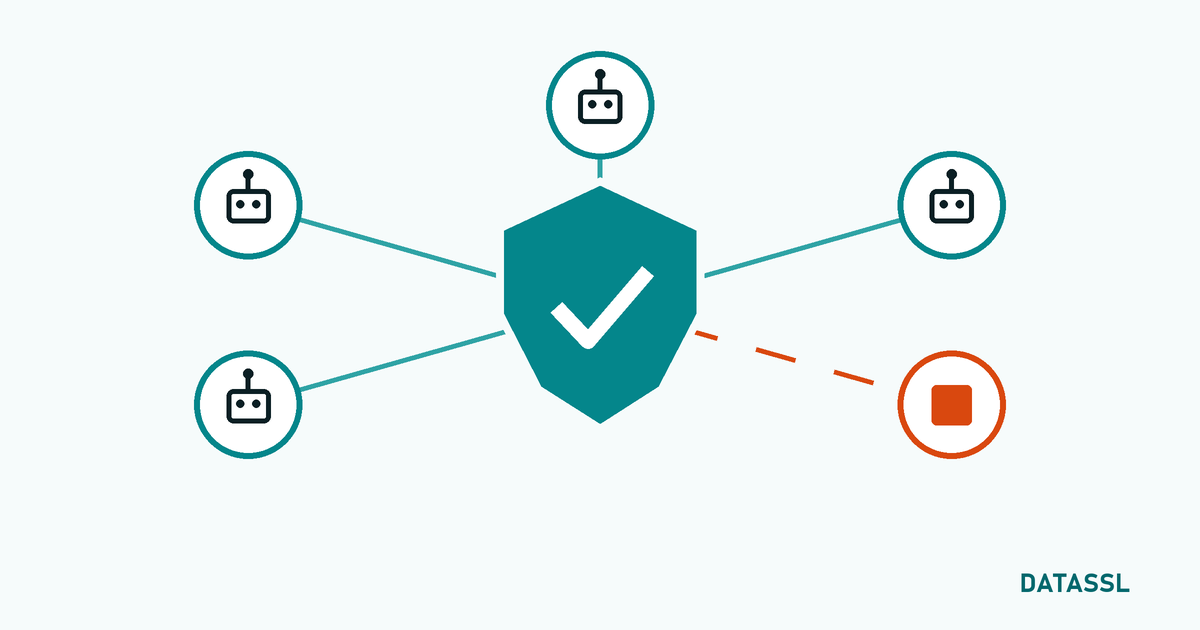
A secure CI/CD signing pipeline consists of the following components:
- Build Server: The CI runner (GitHub Actions, Jenkins Agent, etc.) that compiles the code
- Signing API Gateway: Certificate provider's cloud API
- Cloud HSM:Hardware module where the private key is securely stored
- Timestamp Server (TSA): RFC 3161 compliant timestamp service
- Artifact Repository:The repository where signed files are stored
Cloud Code Signing with GitHub Actions
GitHub Actions is one of the most popular CI/CD platforms. For Cloud code signing integration, it is sufficient to add the signing step to the workflow YAML file:
In your GitHub Actions workflow, you add the signing step after the build step. In this step, your API keys are transmitted securely via GitHub Secrets and the signing process takes place on cloud HSM. The private key is never on the runner.
Security Best Practices (GitHub Actions)
-
Store API keys using
- GitHub Secrets — Never write clear text in a YAML file
- Allow signing only from production branch with Environment protection rules
- Use OIDC token based authentication (instead of static credentials)
- Define the signing step as a separate job, with restricted permissions
Integration with Jenkins
Jenkins is one of the most widely used CI servers in enterprise environments. Cloud code signing integration is configured via Jenkinsfile (Pipeline as Code):
You keep API keys secure by using the withCredentials block in your Jenkins pipeline. The signing process runs as a separate stage after build. Jenkins Credential Store stores sensitive information by encrypting it.
Suggestions for Jenkins
- Manage API keys via Jenkins Credential Store
- Configure the signing node as a separate agent, with minimal access
- Share the signing step across all projects with Pipeline Library
- Verify checksums of build artifacts before and after signing
Azure DevOps Integration
If you are using Azure DevOps, cloud code signing integration is done through the Azure Pipeline YAML file. Integration with Azure Key Vault provides an additional layer of security. Azure DevOps extensions from some certificate providers can even be used in the visual pipeline designer.
Signing Verification
Verifying signed files is a critical part of the process. It is recommended to add signature verification as the last step of the pipeline:
- Windows:
signtool verify /pa /v file.exe - macOS:
codesign --verify --deep --strict app.app - Java (JAR):
jarsigner -verify -verbose file.jar - .NET (NuGet):
dotnet nuget verify file.nupkg
Why is Timestamping Important?
When your code signing certificate expires, signatures without a timestamp become invalid. Adding an RFC 3161-compliant timestamp ensures that your signature remains valid regardless of the certificate duration. Cloud code signing services usually add the timestamp automatically.
Supply Chain Security Checklist
- ✅ Are all build artifacts signed?
- ✅ Are API keys stored in a secure vault?
- ✅ Is the signing process triggered only from authorized branches?
- ✅ Adding timestamp?
- ✅ Is signature verification done in the pipeline?
- ✅ Are audit logs reviewed regularly?
- ✅ Is the certificate renewal calendar followed?
- ✅ Are roles and access rights minimal?
Conclusion
Cloud code signing is an effective way to automate security in CI/CD pipelines. Whether GitHub Actions, Jenkins or Azure DevOps, API-based integration can be configured in a short time. Supply chain security is a top priority in 2026 — strengthen your pipeline with automatic code signing