

An SSL certificate cannot be extended; it is replaced by a new one. Since 15 March 2026 newly issued certificates are valid for at most 200 days. What used to be a yearly task now comes round about every six months.
When should you renew?
Renew at least 14 days before expiry, ideally 30. That leaves time if validation stalls or installation needs a maintenance window. The SSL checker shows your certificate’s expiry date.
Renewal in five steps
- Generate a new CSR. On the server, preferably with a new private key. The key stays on the server.
- Request the reissue. Submit the CSR to your provider. With a multi-year purchase this is a free reissue within the service period.
- Validate the domain. By DNS record, a file on the web server or email. For OV and EV the company details are re-verified about once a year.
- Install the certificate. Deploy the new certificate with its intermediate certificates and reload the server configuration.
- Check. Expiry date, domains and certificate chain. The certificate decoder shows what a certificate contains.
What happens when the certificate expires?
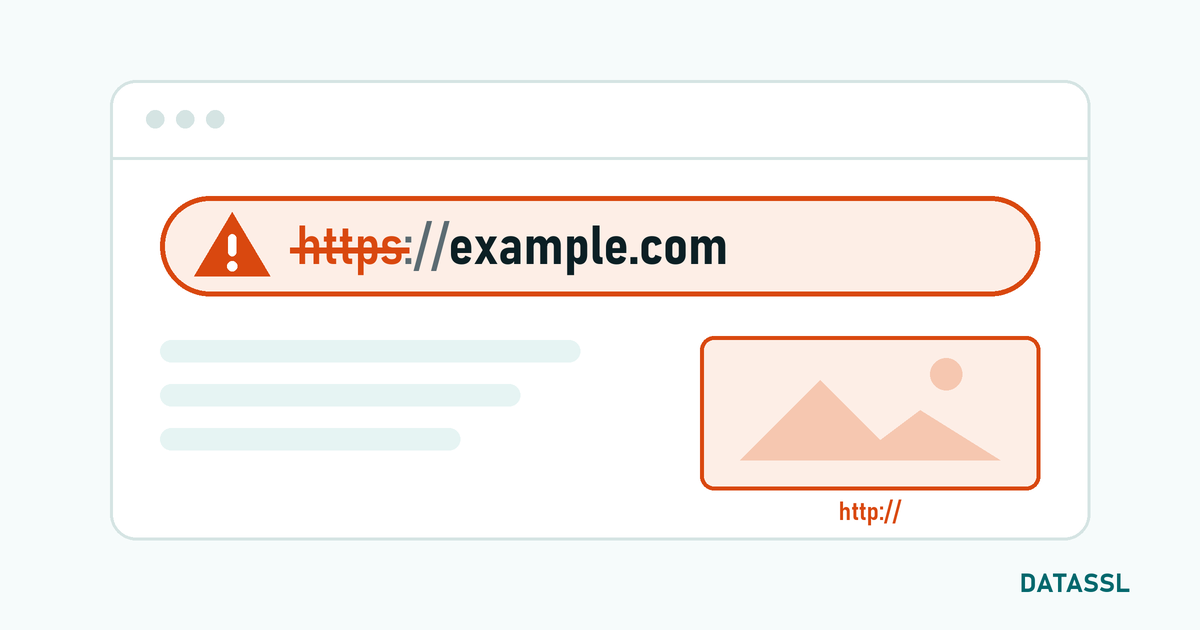
From the second it expires, browsers show a full-page warning such as "Your connection is not private" with the error code NET::ERR_CERT_DATE_INVALID. Most visitors leave at that point. Apps and APIs that call your site refuse the connection outright. The site is technically up but practically offline.
Common mistakes
- Forgetting the intermediate certificate: everything looks fine on your own computer, mobile devices show a warning.
- Updating only one server: behind a load balancer or CDN the certificate lives in several places.
- A missing domain: the new certificate no longer contains every name of the old one, such as the version without "www".
- Reminders going to an old address.
Automate renewal
Lifetimes keep shrinking: 100 days from 15 March 2027 and 47 days from 15 March 2029. By then renewing by hand is no longer practical. With the ACME protocol the server requests, validates and installs certificates by itself; this works with paid certificates too.
At DATASSL reissue is free for the whole service period; prices are on the price list.

Yorumlar
No comments yet. Be the first to comment!
Yorum Yaz