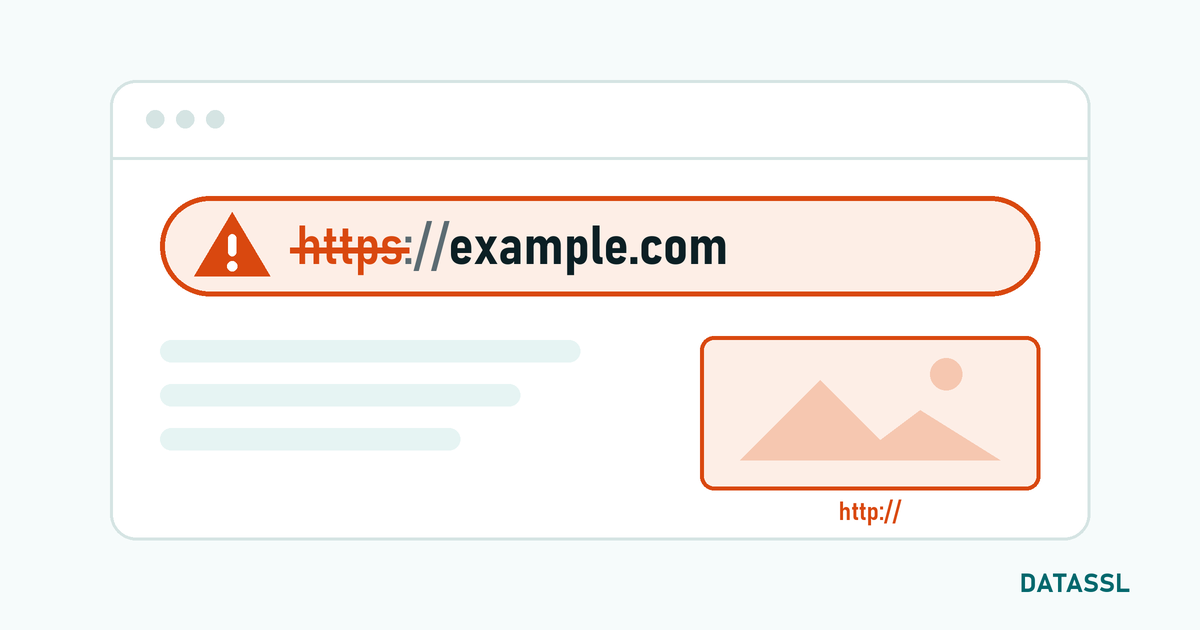
What is SSL Pinning?
SSL Pinning (Certificate Pinning) is a security mechanism that allows an application to trust only a specific SSL certificate or public key. In normal SSL authentication, the browser trusts all trusted CAs; With pinning, the application only accepts connections with the specified certificate/key.
This mechanism is specifically used to prevent man-in-the-middle (MITM) attacks in mobile applications and API communication
Pinning Types
| Pinning Type | Fixed | Flexibility | Security |
|---|---|---|---|
| Certificate Pinning | All certificate | Low | Highest |
| Public Key Pinning | SPKI (public key hash) | Medium | High |
| CA Pinning | Certificate authority | High | Medium |
Common SSL Pinning Errors
Error 1: Certificate Renewed But Pin Not Updated
The most common problem. If certificate pinning is used when the SSL certificate is renewed, the pin of the new certificate does not match the one in the application code.
Symptoms
- Application cannot make API call, "SSL Handshake Error" or "Certificate verification failed"
- The website works in the browser but the application cannot connect
- Suddenly all users are affected after certificate renewal
Solution
- Use Public Key Pinning:The same key pair can be used even if the certificate changes
- Add Backup Pin:Always pin at least 2 pins (active + backup)
- App update:Publish update with new pin
Error 2: Proxy/CDN Certificate Change
CDN services such as Cloudflare use their own SSL certificates. Pin mismatch occurs when the CDN certificate changes.
Solution
- Avoid pinning behind CDN or pin the root CA
Error 3: Android Network Security Config Error
<!-- Android: res/xml/network_security_config.xml -->
<network-security-config>
    <domain-config>
        <domain includeSubdomains="true">api.example.com</domain>
        <pin-set expiration="2026-06-01">
            <!-- Active pin -->
            <pin digest="SHA-256">base64EncodedSHA256Hash=</pin>
            <!-- Spare pin (with different key) -->
            <pin digest="SHA-256">backupBase64Hash=</pin>
        </pin-set>
    </domain-config>
</network-security-config>
⚠️ expiration date is important — when the time expires, pinning is automatically disabled and the application continues to work.
Error 4: iOS ATS Conflicts
// iOS: pinning with URLSession
func urlSession(_ session: URLSession,
                didReceive challenge: URLAuthenticationChallenge,
                completionHandler: @escaping (URLSession.AuthChallengeDisposition, URLCredential?) -> Void) {
    guard let serverTrust = challenge.protectionSpace.serverTrust,
          let serverCert = SecTrustGetCertificateAtIndex(serverTrust, 0) else {
        completionHandler(.cancelAuthenticationChallenge, nil)
        return
    }
    // Compare public key hash
}
How to Calculate Pin Hash
# Calculating SPKI pin hash from certificate
openssl x509 -in certificate.crt -pubkey -noout | \
  openssl pkey -pubin -outform der | \
  openssl dgst -sha256 -binary | \
  openssl enc -base64

# Getting pin from running server
openssl s_client -connect api.example.com:443 -servername api.example.com | \
  openssl x509 -pubkey -noout | \
  openssl pkey -pubin -outform der | \
  openssl dgst -sha256 -binary | \
  openssl enc -base64
Secure SSL Pinning Strategies
- Prefer Public Key Pinning: When the certificate is renewed, you can get a new certificate with the same key pair
- Add a backup pin:Always pin a backup public key pin
- Set a Pin expiration date: Emergency protection with
expirationfeature on Android - Remote pin update: Set up a mechanism that can update the pin list remotely
- Root CA pinning: The most flexible method — not affected by certificate renewals unless the CA changes
HTTP Public Key Pinning (HPKP) — Not Used
HPKP was an HTTP header used for public key pinning in web browsers. However, it was removed from the major browsers by 2020 because it could make the site permanently inaccessible when configured incorrectly. It was replaced by Certificate Transparency.
Conclusion
SSL Pinning is a powerful MITM protection layer for mobile applications and API security. However, it should be managed in accordance with certificate renewal processes. Public key pinning, backup pin usage, and expiration date setting — these three practices are the most effective ways to prevent malfunctions caused by pinning.