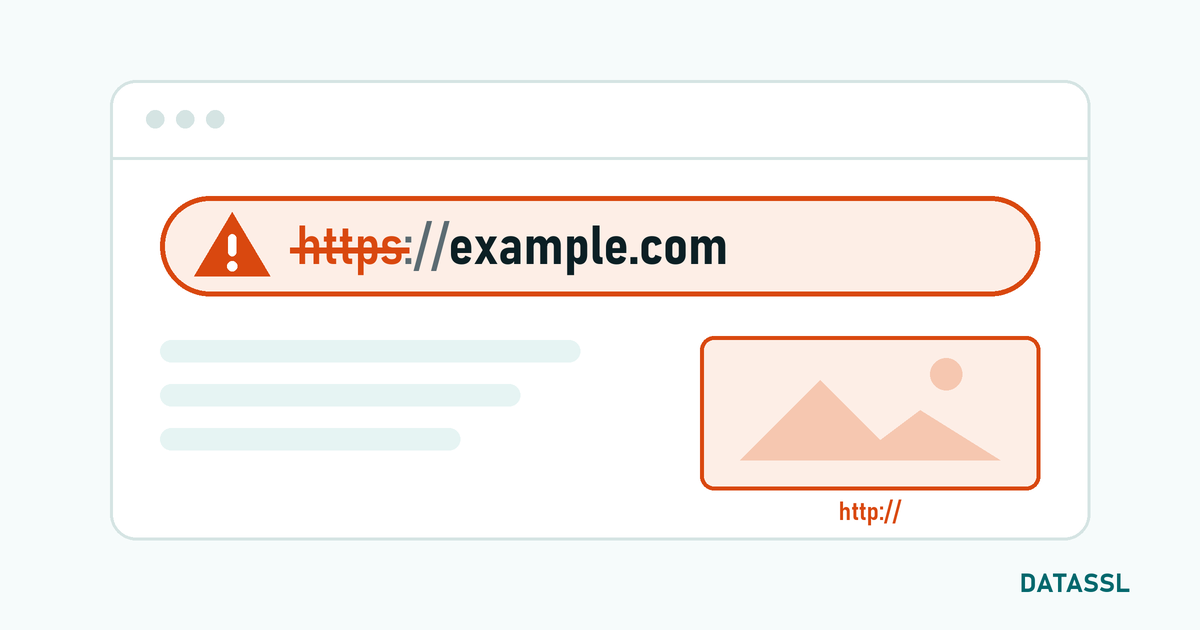
What is ERR_CERT_DATE_INVALID?
ERR_CERT_DATE_INVALID is a browser error that indicates that the SSL certificate has expired or has not yet started. In Chrome, it appears as "NET::ERR_CERT_DATE_INVALID" and blocks the page with the warning "Your connection is not private".
Since 15 March 2026, the maximum validity period of SSL certificates is limited to 200 days; it will drop to 100 days on 15 March 2027 and to 47 days on 15 March 2029. This short period of time makes it necessary to automate certificate renewal processes.
How to Check Certificate Duration?
# Control from command line
openssl s_client -connect domain.com:443 2>/dev/null | openssl x509 -noout -dates

# Output:
# notBefore=Mar 20 00:00:00 2026 GMT
# notAfter=Oct 5 23:59:59 2026 GMT

# Number of days remaining
openssl s_client -connect domain.com:443 2>/dev/null | openssl x509 -noout -checkend 0
# Certificate will expire
# Certificate will not expire (still valid)
Cause 1: Certificate Expired
The most common reason. The certificate has not been renewed and has expired.
Emergency Solution
- Get DV SSL: Fastest solution — a DV certificate is usually issued within minutes via DATASSL
- Let's Encrypt: Free alternative:
sudo certbot certonly --nginx -d domain.com - Renew from existing CA: If you have an active subscription, renew from your certificate provider's panel
Cause 2: Server Time is Incorrect
Even a valid certificate may be detected as "expired" or "not yet valid" if the server's clock is forward or backward.
Solution
# Linux: Clock control
date
timedatectl status

# Synchronization with NTP
sudo timedatectl set-ntp true
sudo systemctl restart systemd-timesyncd

#CentOS/RHEL
sudo yum install chrony
sudo systemctl start chronyd
sudo systemctl enable chronyd

#Windows:
w32tm /resync
# or: Settings → Time & Language → Set time automatically
Cause 3: Client (Visitor) Time is Incorrect
If the visitor's computer time is incorrect, he/she will receive this error. There is nothing you can do on the server side.
Recommendation to User
- Windows: Settings → Time and Language → Enable "Set time automatically"
- macOS: System Preferences → Date and Time → "Set date and time automatically"
- iPhone/Android: Settings → General → Date and Time → Automatic
Cause 4: The Certificate is Not Yet Valid
This error occurs if the "Not Before" date of the newly obtained certificate has not yet arrived. It is rare, but may occur due to time zone differences.
Prevent Expiration with Automatic Renewal
Let's Encrypt / Certbot
# Check auto refresh timer
sudo systemctl status certbot.timer

# Test run
sudo certbot renew --dry-run

# Certbot automatically renews certificates that expire within 30 days
For Paid SSL Certificates
- Set calendar reminder (60 days and 30 days ahead)
- Use an SSL monitoring service (UptimeRobot, Pingdom, StatusCake)
- Activate e-mail reminders from DATASSL panel
- Prefer CAs that support ACME protocol (Sectigo, DigiCert)
SSL Certificate Expiration Monitoring Script
#!/bin/bash
# ssl_expiry_check.sh — Certificate expiry check script
DOMAIN="yourdomain.com"
DAYS_WARNING=30

expiry_date=$(openssl s_client -connect ${DOMAIN}:443 -servername ${DOMAIN} 2>/dev/null | \
  openssl x509 -noout -enddate 2>/dev/null | cut -d= -f2)

expiry_epoch=$(date -d "${expiry_date}" +%s)
now_epoch=$(date +%s)
days_left=$(( (expiry_epoch - now_epoch) / 86400 ))

if [ $days_left -lt $DAYS_WARNING ]; then
  echo "WARNING: ${DOMAIN} SSL certificate expires in ${days_left} days!"
  # Send email or Slack notification
else
  echo "OK: ${DOMAIN} SSL certificate is valid for ${days_left} days."
fi
Conclusion
ERR_CERT_DATE_INVALID error is most often caused by certificates that are not renewed. You can proactively prevent SSL expiration with auto-renewal (Certbot), monitoring scripts, and calendar reminders. In emergency situations, a DV certificate is usually issued within minutes via DATASSL.