
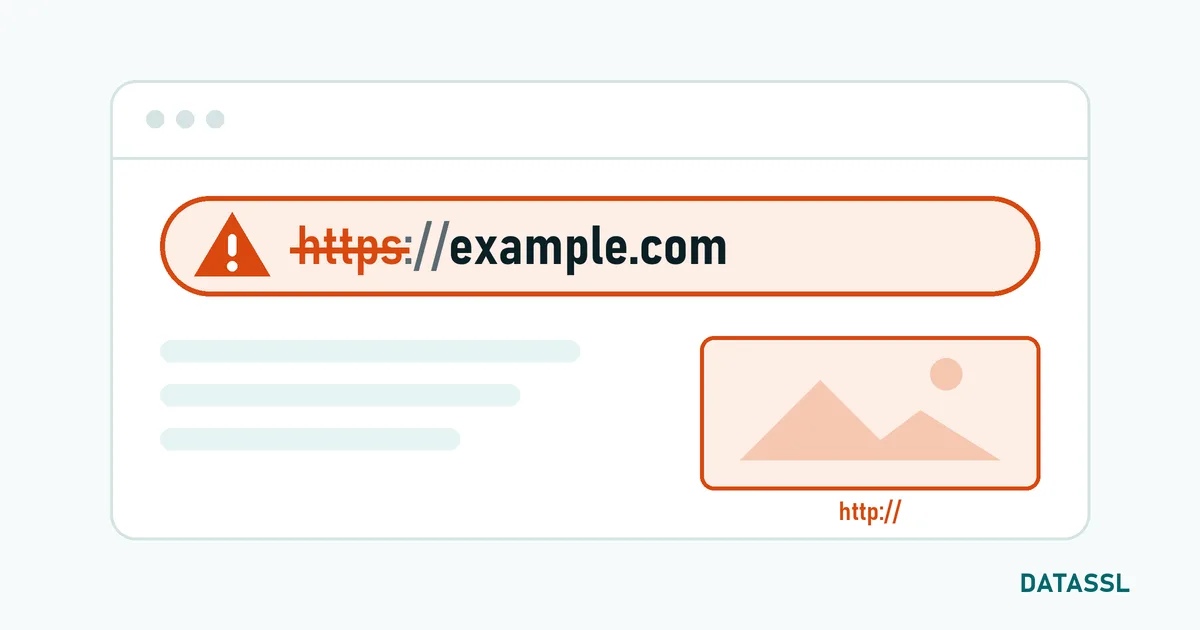
When a site appears as "Not secure" although an SSL certificate is installed, the reason is almost always one of seven. The most common are mixed content, a missing redirect from HTTP to HTTPS and a certificate that does not match the name being opened.
First: which message do you see?
| What the browser shows | Likely cause |
|---|---|
| "Not secure" in the address bar, page loads normally | Page loaded over HTTP or contains mixed content |
| Full-page "Your connection is not private" warning | Certificate expired, wrong name or incomplete chain |
| Warning on some devices only | Intermediate certificate missing or wrong device clock |
1. Mixed content
The page arrives over HTTPS but loads images, scripts or fonts over http://. Fix: open the browser’s developer tools (F12), look for "Mixed Content" messages in the console and switch every included address to https://.
2. No redirect from HTTP to HTTPS
The certificate works, but visitors land on the HTTP version through old links. Fix: set up a permanent (301) redirect on the server, then add the HSTS header.
3. The certificate does not match the name
The certificate covers www.example.com but example.com or a subdomain is opened. Fix: use the SSL checker to see which names are in the certificate and reissue it with all the names you need. For many subdomains a wildcard certificate fits.
4. The certificate has expired
Certificates are valid for at most 200 days; after expiry the error NET::ERR_CERT_DATE_INVALID appears. Fix: reissue and install; from now on plan 30 days ahead or automate.
5. The intermediate certificate is missing
The server sends only its own certificate, not the chain. Desktop browsers often compensate; mobile devices and apps do not. Fix: install the certificate together with its intermediates in the right order.
6. The wrong certificate is served
The new certificate is on the server, but a load balancer, CDN or second virtual host still serves the old one. Fix: update the certificate everywhere TLS terminates and reload the service.
7. A problem on the visitor’s device
If only one device shows the warning, its system clock is often wrong or security software is intercepting the connection. Fix: correct the date and time.
Checklist
- Does the page load over
https://? If not, set up the redirect. - Check expiry date, names and chain with the SSL checker.
- Look for mixed content in the console.
- Cross-check on a second device and on mobile data.
The certificate decoder shows the names, issuer and validity of a certificate you hold.




Fikrlar
Hozircha izohlar yoʻq. Birinchi boʻlib izoh qoldiring!
Sharh yozish