Cloudflare SSL Architecture
Cloudflare works as a reverse proxy between your website and your visitors. SSL connections occur in two stages:
- Visitor ↔ Cloudflare: Cloudflare's Universal SSL certificate is used
- Cloudflare ↔ Origin Server:The SSL certificate from your origin server is used (in Full/Strict mode)
Due to this two-layer structure, Cloudflare-specific SSL errors may occur.
Cloudflare SSL Modes
| Mode | Visitor ↔ CF | CF ↔ Origin | Origin SSL Required? |
|---|---|---|---|
| Off | HTTP | HTTP | Yoʻq |
| Flexible | HTTPS | HTTP | Yoʻq |
| Full | HTTPS | HTTPS | Self-signed sufficient |
| Full (Strict) | HTTPS | HTTPS | Valid certificate |
Error 525: SSL Handshake Failed
This error occurs when the SSL handshake between Cloudflare and the origin server fails.
Causes
- There is no SSL certificate on the origin server (in Full/Strict mode)
- Origin certificate is self-signed and mode is "Full (Strict)"
- Older TLS version (TLS 1.0/1.1) on origin server
- Certificate and key mismatch
- Origin server not listening on port 443
Yechim
- Install SSL certificate on origin server (Cloudflare Origin Certificate is free)
- Set SSL mode to "Full" or "Full (Strict)"
- Enable TLS 1.2+
- Make sure port 443 is open and configured correctly
# Creating a Cloudflare Origin Certificate:
# Dashboard → SSL/TLS → Origin Server → Create Certificate
# Validity: Up to 15 years (only works behind Cloudflare proxy)
Error 526: Invalid SSL Certificate
In "Full (Strict)" mode, this error occurs if the SSL certificate on the origin server is invalid or unreliable.
Causes
- Origin certificate has expired
- Self-signed certificate (rejected in Strict mode)
- The certificate does not match the domain
- Intermediate certificate chain is missing
Yechim
- Use valid certificate from trusted CA or create Cloudflare Origin Certificate
- Change SSL mode to "Full" (workaround — accepts self-signed)
- Verify that your origin certificate matches the domain and the intermediate chain is complete
Error 521/522: Origin Access Problems
Although it is not a direct SSL error, it may be related to the SSL configuration:
- 521 (Web Server is Down): Origin server is down. Start the web server.
- 522 (Connection Timed Out): Cloudflare cannot reach origin. Whitelist Cloudflare IPs in Firewall.
# Whitelist Cloudflare IP ranges
# https://www.cloudflare.com/ips/
# With Nginx:
allow 173.245.48.0/20;
allow 103.21.244.0/22;
allow 103.22.200.0/22;
allow 103.31.4.0/22;
allow 141.101.64.0/18;
allow 108.162.192.0/18;
allow 190.93.240.0/20;
allow 188.114.96.0/20;
allow 197.234.240.0/22;
allow 198.41.128.0/17;
deny all;
Redirect Loop
In "Flexible" SSL mode, if there is HTTP→HTTPS redirection on the origin server, an infinite loop occurs.
Yechim
- Best: Set SSL mode to "Full (Strict)" and use real SSL certificate on origin
- Muqobil: Remove HTTP→HTTPS redirect on origin server (in Flexible mode)
- Enable the "Always Use HTTPS" feature in Cloudflare Dashboard
Mixed Content Problems
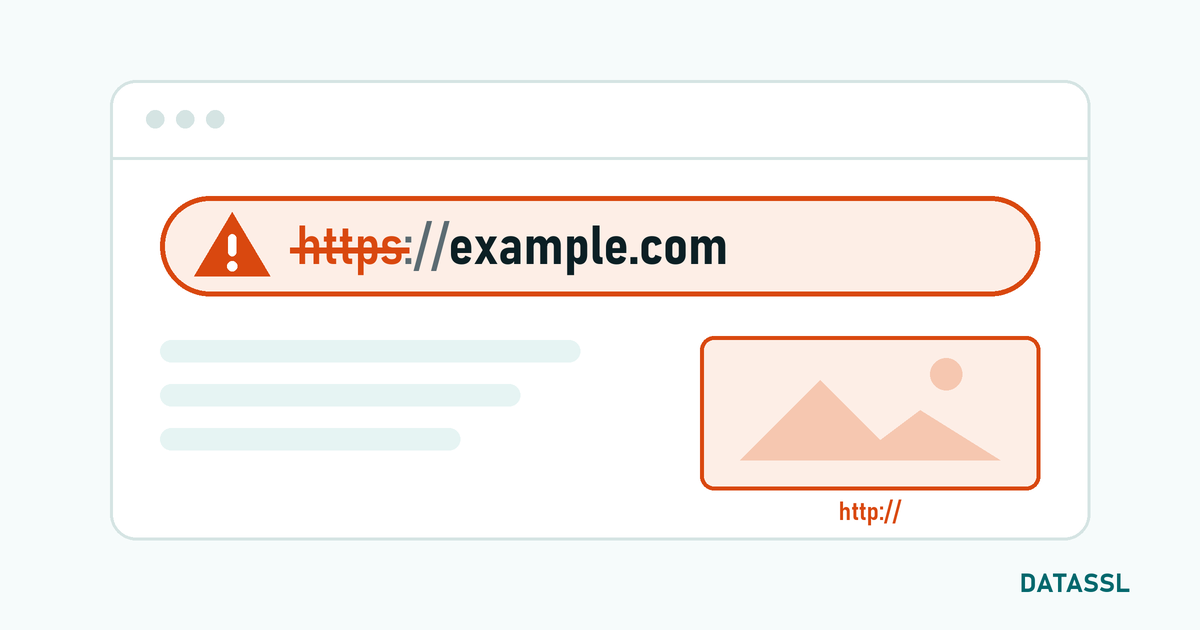
When Cloudflare is in "Flexible" mode, http:// URLs are generated in the code because the origin works as HTTP. Mixed Content occurs because the visitor connects via HTTPS.
Yechim
- Cloudflare Dashboard → SSL/TLS → Edge Certificates → Enable "Automatic HTTPS Rewrites"
- Install SSL at Origin and switch to "Full (Strict)" mode (root solution)
Cloudflare SSL Configuration Checklist
| Control | Recommended Setting |
|---|---|
| SSL Mode | Full (Strict) |
| Always Use HTTPS | On |
| Automatic HTTPS Rewrites | On |
| Minimum TLS Version | TLS 1.2 |
| TLS 1.3 | On |
| HSTS | Active (max-age: 1 year) |
| Origin Certificate | Installed |
Conclusion
Cloudflare SSL errors are usually caused by choosing the wrong SSL mode. The combination of "Full (Strict)" mode + valid SSL certificate on the origin server prevents most 525, 526 and redirect loop errors. Cloudflare Origin Certificate offers a solution that is free and valid for up to 15 years.