DirectAdmin is a popular hosting control panel that stands out with its light and fast structure. SSL certificate installation can be done in DirectAdmin in simple and understandable steps. In this guide, we cover CSR creation, paid SSL installation, Let's Encrypt integration and HTTPS forced redirection in detail.
💡 Information: DirectAdmin versions 1.60+ offer built-in Let's Encrypt support. Wildcard SSL support is also available with ACME v2 protocol.
1. Creating CSR
Via DirectAdmin Panel
- Log in to DirectAdmin user panel Click "SSL Certificates" in the
- "Advanced Features" немесе "Account Manager" section
- Check the "Create a Certificate Request" option
- Fill in the required information:
- 2 Letter Country Code: TR
- State/Province: Istanbul
- City: Istanbul
- Company: Компанияңыздың атауы
- Company Division: IT (optional)
- Common Name: www.example.com
- E-Mail: admin@example.com
- Key Size: 2048 or 4096
- Click the "Save" button
- Copy the generated CSR
Generating CSR with SSH
# Generating CSR with 2048-bit RSA key
openssl req -new -newkey rsa:2048 -nodes \
  -keyout /home/username/domains/example.com/ssl.key\
  -out /home/username/domains/example.com/ssl.csr

# Generate CSR with existing key
openssl req -new -key /home/username/domains/example.com/ssl.key \
  -out /home/username/domains/example.com/ssl.csr
2. Installing an SSL Certificate
- Go to DirectAdmin → "SSL Certificates"
- Check "Paste a pre-generated certificate and key"
- Paste into the first text box respectively:
- Private Key (-----BEGIN RSA PRIVATE KEY-----)
- SSL Certificate (-----BEGIN CERTIFICATE-----)
- CA Bundle / Intermediate Certificate
- Click the "Save" button
⚠️ Маңызды: In DirectAdmin, the certificate, private key and CA bundle are usually pasted sequentially into a single text box. The order should be: KEY → CRT → CA-BUNDLE.
3. Free SSL with Let's Encrypt
- DirectAdmin → "SSL Certificates"
- Check "Free & automatic certificate from Let's Encrypt"
- Select the certificate type:
- Сертификат түрі: Let's Encrypt or Let's Encrypt Wildcard
- Key Size: EC 256 (recommended) or RSA 2048
- Check the subdomains you want to protect
- Click the "Save" button
- The certificate will be obtained automatically and renewed before its 90-day validity ends
4. HTTPS Redirect
Via DirectAdmin Panel
- Go to "Domain Setup" section
- Select the relevant domain
- Enable "Force SSL with https redirect"
- Click the "Save" button
Redirect with .htaccess
RewriteEngine On
RewriteCond %{HTTPS} !=on
RewriteRule ^(.*)$ https://%{HTTP_HOST}%{REQUEST_URI} [L,R=301,NE]
5. Common Errors and Solutions
| Қате | Шешім |
|---|---|
| Certificate does not match the private key | Use the private key generated with CSR |
| Let's Encrypt: unable to verify domain | Make sure the DNS A record is pointed to the server IP |
| SSL is not enabled for this domain | Domain Setup → Enable SSL |
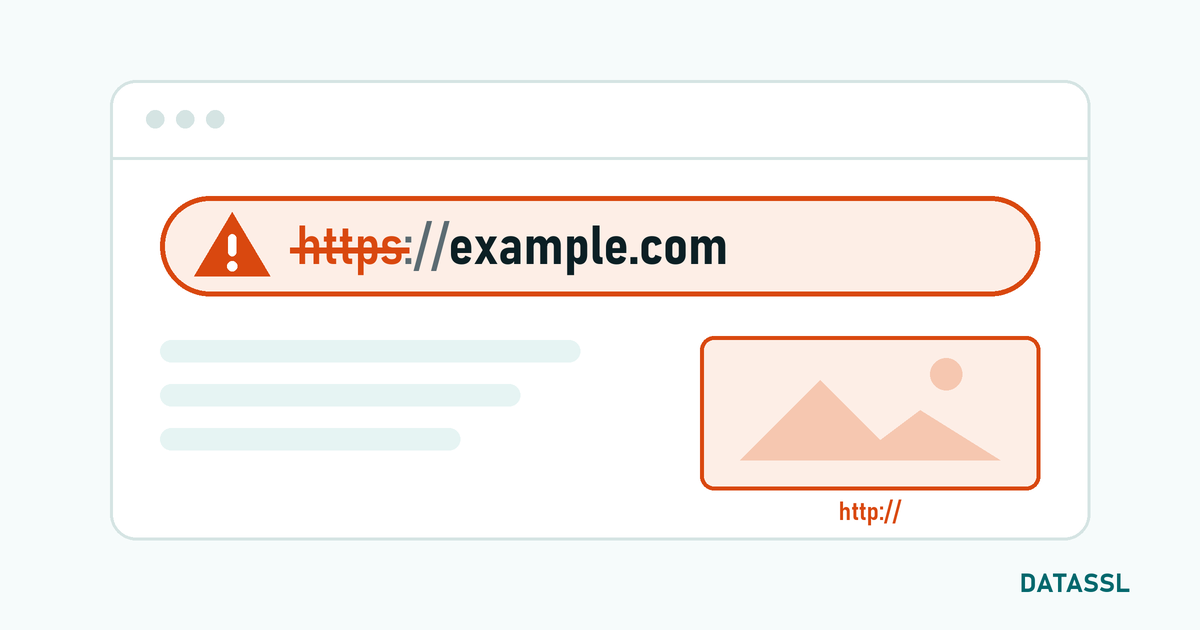
| "Secure" icon not visible | Check for mixed content errors |
Жиі қойылатын сұрақтар
Do I need an additional IP to enable SSL in DirectAdmin?
No, modern DirectAdmin versions can use multiple SSL certificates on shared IP thanks to SNI support.
Does DirectAdmin support Let's Encrypt wildcard SSL?
Yes, you can get a wildcard Let's Encrypt SSL certificate with DNS verification in DirectAdmin 1.60+ versions.
Is separate SSL required for subdomain in DirectAdmin?
If you use Let's Encrypt, you can add subdomains to the certificate. For paid SSL, use either a wildcard or a Multi-Domain SAN certificate.
📌 Note: If you are having problems setting up SSL in your DirectAdmin panel, our DataSSL technical support team can help you.