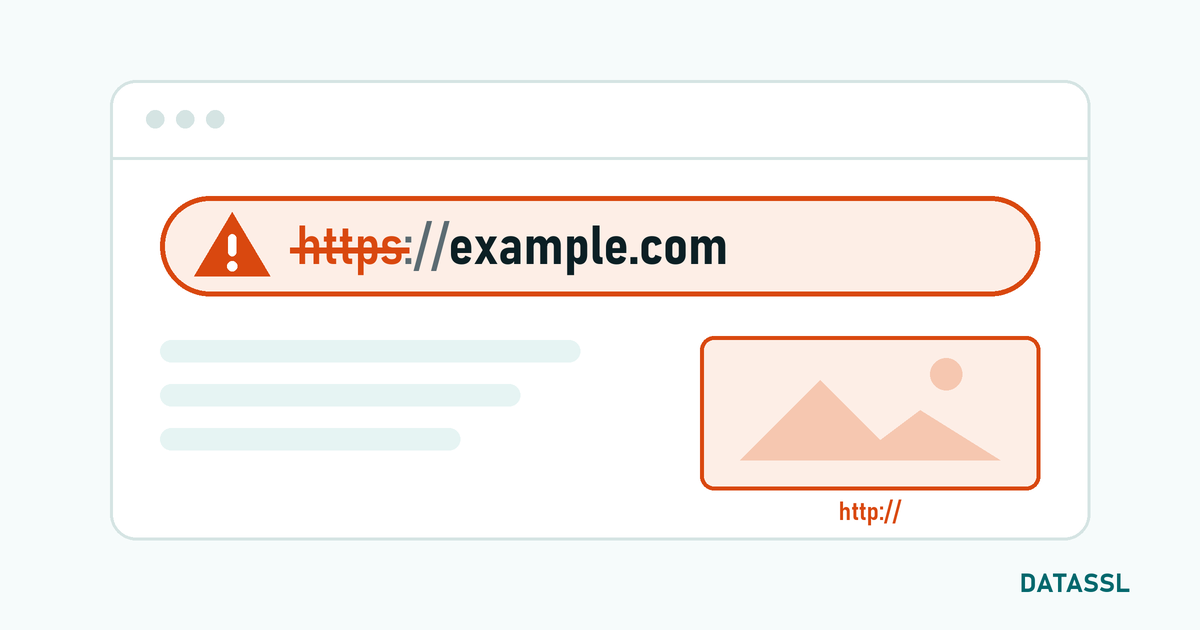
What is HSTS?
HSTS (HTTP Strict Transport Security) is the security mechanism by which a website instructs the browser to "only connect to this site via HTTPS". On an HSTS-enabled site, the browser automatically upgrades HTTP connection attempts to HTTPS — the HTTP request does not even go to the server.
How Does HSTS Work?
- The browser visits your site for the first time with HTTPS
- Server sends
Strict-Transport-Securityheader - The browser saves this information for
max-age - HTTP links are automatically upgraded to HTTPS on subsequent visits
# Basic HSTS header
Strict-Transport-Security: max-age=31536000; includeSubDomains; preload
Common HSTS Errors
Error 1: ERR_SSL_PROTOCOL_ERROR (Due to HSTS)
If the SSL certificate expires or a problem occurs while HSTS is active, the browser will refuse to open the site with HTTP as well. Unlike a normal SSL error, the user will not see the "Continue anyway" option.
Шешім
- Renew SSL certificate immediately — Without HSTS, leaving the site completely inaccessible
- In Chrome, you can delete the domain's HSTS record from
chrome://net-internals/#hsts(in your browser only)
Error 2: No SSL on Subdomains but includeSubDomains is Active
TheincludeSubDomains directive enforces HTTPS on all subdomains. If a subdomain does not have SSL, that subdomain will be inaccessible.
Шешім
- Install SSL certificate on all subdomains (at once with Wildcard SSL)
- Or remove the
includeSubDomainsdirective
Error 3: Sending HSTS from HTTP Page
The HSTS header is valid only in HTTPS responses. HSTS sent in the HTTP response is ignored by browsers.
Correct Configuration
# Nginx
server {
    listen 80;
    server_name example.com;
    return 301 https://$host$request_uri;  # Redirect to HTTPS first
}

server {
    listen 443 ssl;
    server_name example.com;
    add_header Strict-Transport-Security "max-age=31536000; includeSubDomains; preload" always;  #HSTS is here
}
Error 4: max-age Too Short or Zero
max-age=0 Disables HSTS. Very short periods (a few hours) weaken security.
Recommended Settings
| Stage | max-age | Сипаттама |
|---|---|---|
| Test | 300 (5 minutes) | Safe test at first installation |
| Transition | 604800 (1 week) | Increase if OK |
| Production | 31536000 (1 year) | Standard production value |
| Preload | 31536000+ (1 year+) | Minimum for HSTS preload list |
What is HSTS Preload?
HSTS Preload adds your domain to Chrome's (and other browsers') built-in HSTS list. In this way, no HTTP connection attempt is made even on the first visit.
Preload Requirements
- Valid SSL certificate
- HTTP → HTTPS redirect
max-ageat least 31536000 (1 year)includeSubDomainsdirectivepreloaddirective
Application: You can send your domain from hstspreload.org.
⚠️ Ескерту: It may take months to be removed from the HSTS preload list. Do not apply unless you are sure.
HSTS Disable
To disable HSTS in emergency situations:
Жіберу# max-age=0
add_header Strict-Transport-Security "max-age=0" always;
# Browsers will delete the HSTS record on their next visit to the site over HTTPSServer Based HSTS Configuration
# Nginx
add_header Strict-Transport-Security "max-age=31536000; includeSubDomains; preload" always;

# Apache (.htaccess or VirtualHost)
Header always set Strict-Transport-Security "max-age=31536000; includeSubDomains; preload"

# IIS (web.config)
<customHeaders>
    <add name="Strict-Transport-Security" value="max-age=31536000; includeSubDomains; preload" />
</customHeaders>
Conclusion
HSTS is a powerful mechanism that significantly increases the security of your website. However, if not configured correctly, it can cause access problems. Before HSTS activation, make sure all subdomains have an SSL certificate, gradually increase the max-age value, and thoroughly test your configuration before adding it to the preload list.